Best Laptops for Students Under $500 (2026)

Finding a good student laptop under $500 used to be difficult.

Most budget laptops were either too slow, poorly built, or had terrible battery life. But things are much better now, especially for students who mainly need a laptop for:

  • online classes
  • assignments
  • Zoom meetings
  • browsing
  • note-taking
  • Microsoft Office work

One of the strongest affordable options right now is the Lenovo IdeaPad Slim 3.

This laptop focuses on practicality instead of flashy gaming features, and honestly, that’s exactly what many students actually need.

We earn from qualifying purchases. This helps support our site at no extra cost to you. Read more 

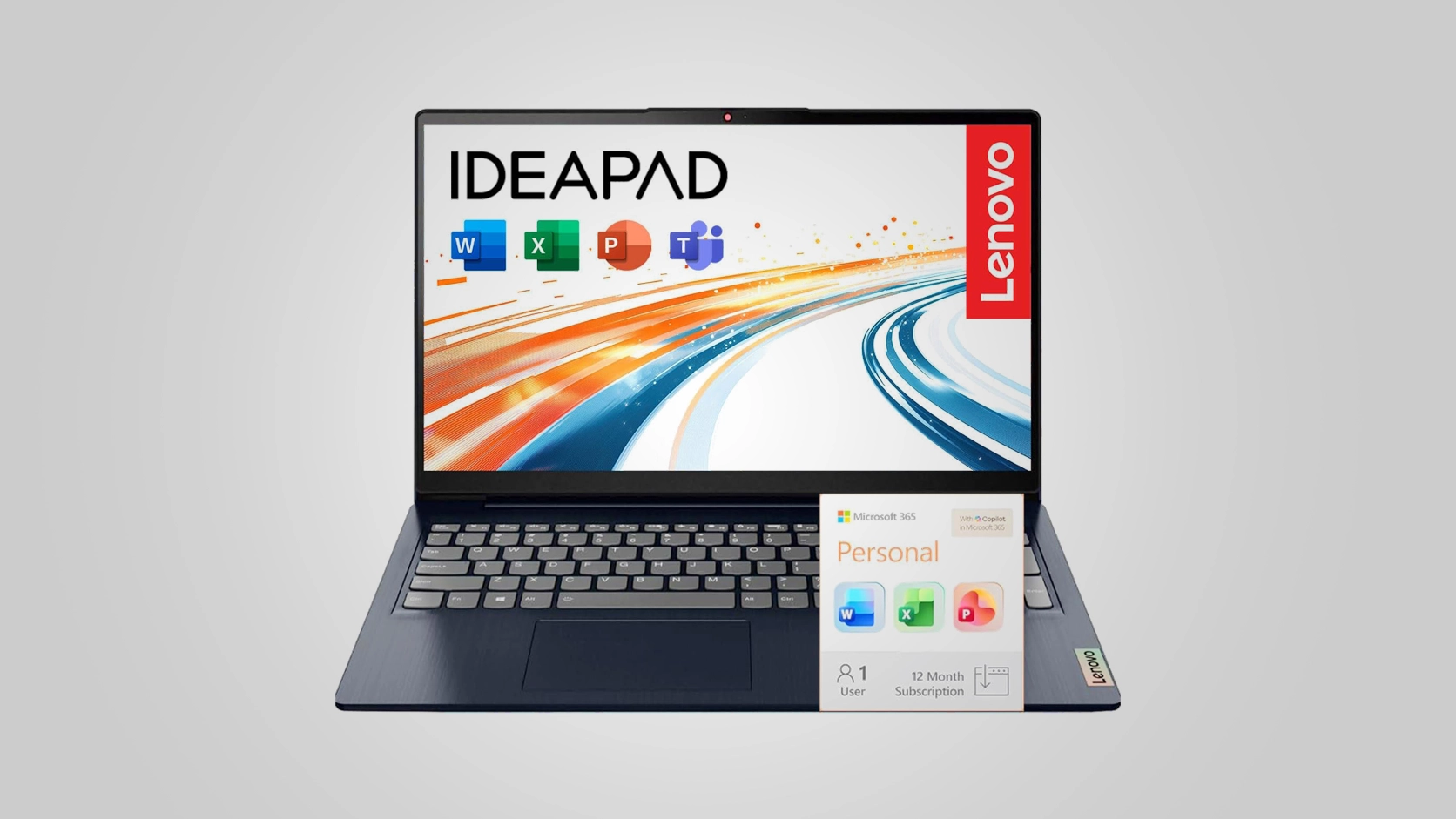
Lenovo IdeaPad Slim 3 student laptop with Full HD display

Image credit: © amazon.com

Premium Tech Verdict

The Lenovo IdeaPad Slim 3 proves that students do not need an expensive laptop to handle daily academic work efficiently.

It focuses on:

  • portability
  • essential performance
  • productivity
  • affordability

And honestly, Lenovo made smart decisions here.

You get modern RAM, SSD storage, a Full HD display, Windows 11, and Microsoft Office in one affordable package.

For students searching for a reliable laptop under $500 in 2026, this is easily one of the safest budget-friendly choices available.

Pros

+ Affordable student-friendly pricing
+ Lightweight and portable
+ Full HD display
+ Windows 11 included
+ Office 365 included
+ Smooth everyday performance

Cons

– Not designed for gaming
– Limited 128GB storage
– Not suitable for heavy video editing

Best pick for you

Why Trust Premium Tech Review At Premium Tech Review, we provide unbiased reviews and hand-picked deals. Our goal is to help you buy smarter while saving time & money.

Quick Summary

  • Best for: Students, office work, online classes
  • Not for: Heavy gaming or professional editing
  • Performance: ⭐⭐⭐⭐☆
  • Battery Life: ⭐⭐⭐⭐☆
  • Portability: ⭐⭐⭐⭐⭐
  • Value for Money: ⭐⭐⭐⭐⭐

👉 Final Verdict: One of the best affordable student laptops in 2026

Key Highlights

✔ Lightweight and student-friendly design
✔ Intel N150 processor for everyday tasks
✔ 8GB DDR5 RAM for smoother multitasking
✔ Full HD 15.6-inch display
✔ Windows 11 pre-installed
✔ Microsoft Office 365 included
✔ Fast SSD storage
✔ Budget-friendly pricing

Design & Portability

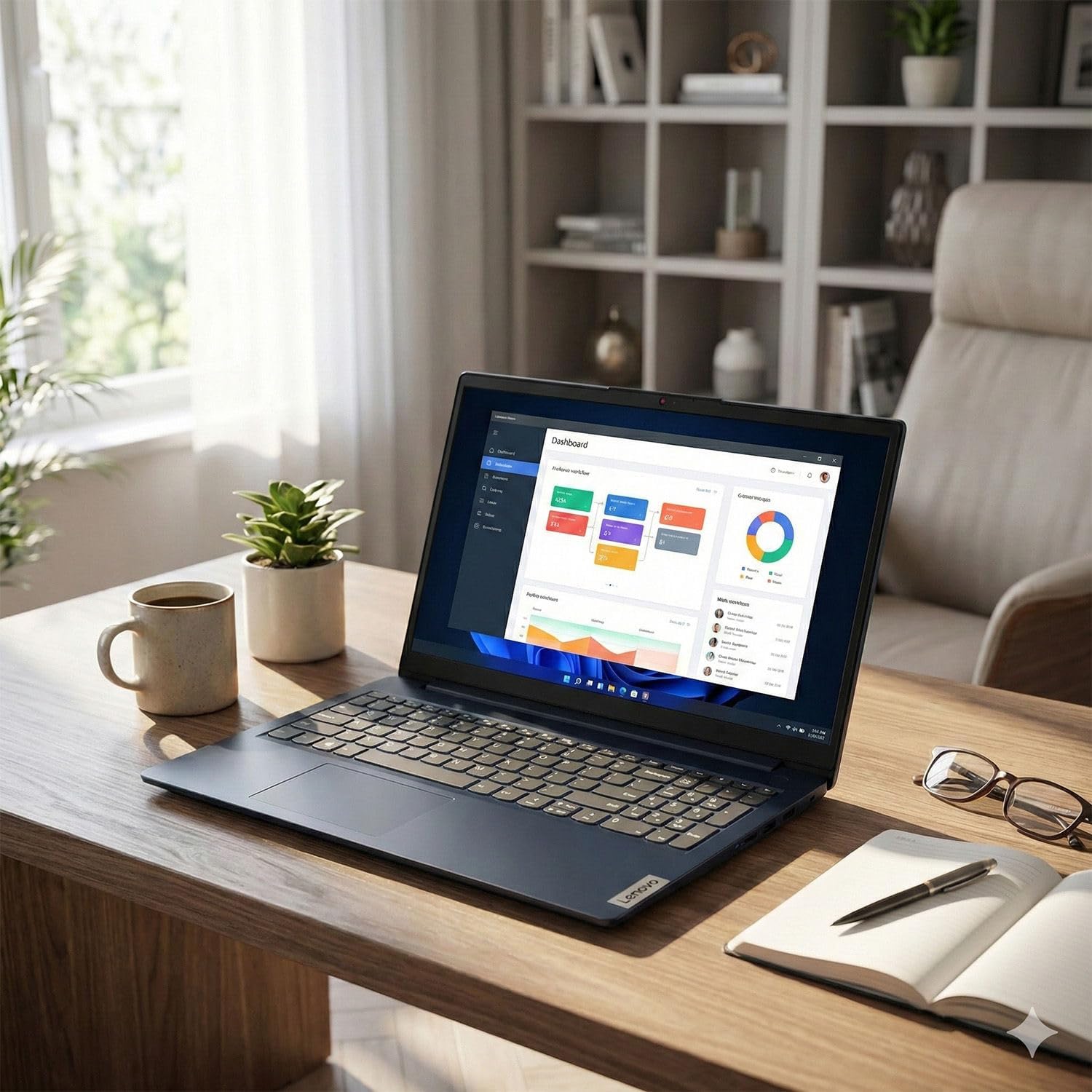
Student using Lenovo IdeaPad Slim 3 for online classes

The Lenovo IdeaPad Slim 3 keeps things simple and practical.

It has a clean modern design without looking overly cheap, and the lightweight body makes it easy to carry between:

  • classrooms
  • libraries
  • cafes
  • office spaces

For students who move around a lot during the day, portability matters more than people realize.

The slim profile also fits nicely inside backpacks.

Display Experience

The 15.6-inch Full HD display gives students enough screen space for:

  • multitasking
  • online classes
  • research
  • watching lectures
  • document editing

Text looks sharp enough for long study sessions, and the larger display size feels more comfortable than smaller 11-inch or 13-inch budget laptops.

Performance for Students

The Intel N150 processor is designed for essential daily tasks rather than heavy creative workloads.

But for normal student use, it handles:

  • Google Chrome
  • Microsoft Word
  • Excel
  • PowerPoint
  • YouTube
  • Zoom
  • web browsing

without major issues.

The 8GB DDR5 RAM also helps the laptop feel smoother during multitasking compared to older budget systems.

Storage & Speed

The 128GB SSD helps the laptop boot quickly and keeps basic tasks responsive.

Apps open faster than traditional hard drives, which improves the overall experience for students working on assignments or online classes.

For users storing lots of movies or large files, external storage may eventually be useful, but for standard academic work, it’s manageable.

Microsoft Office 365 Included

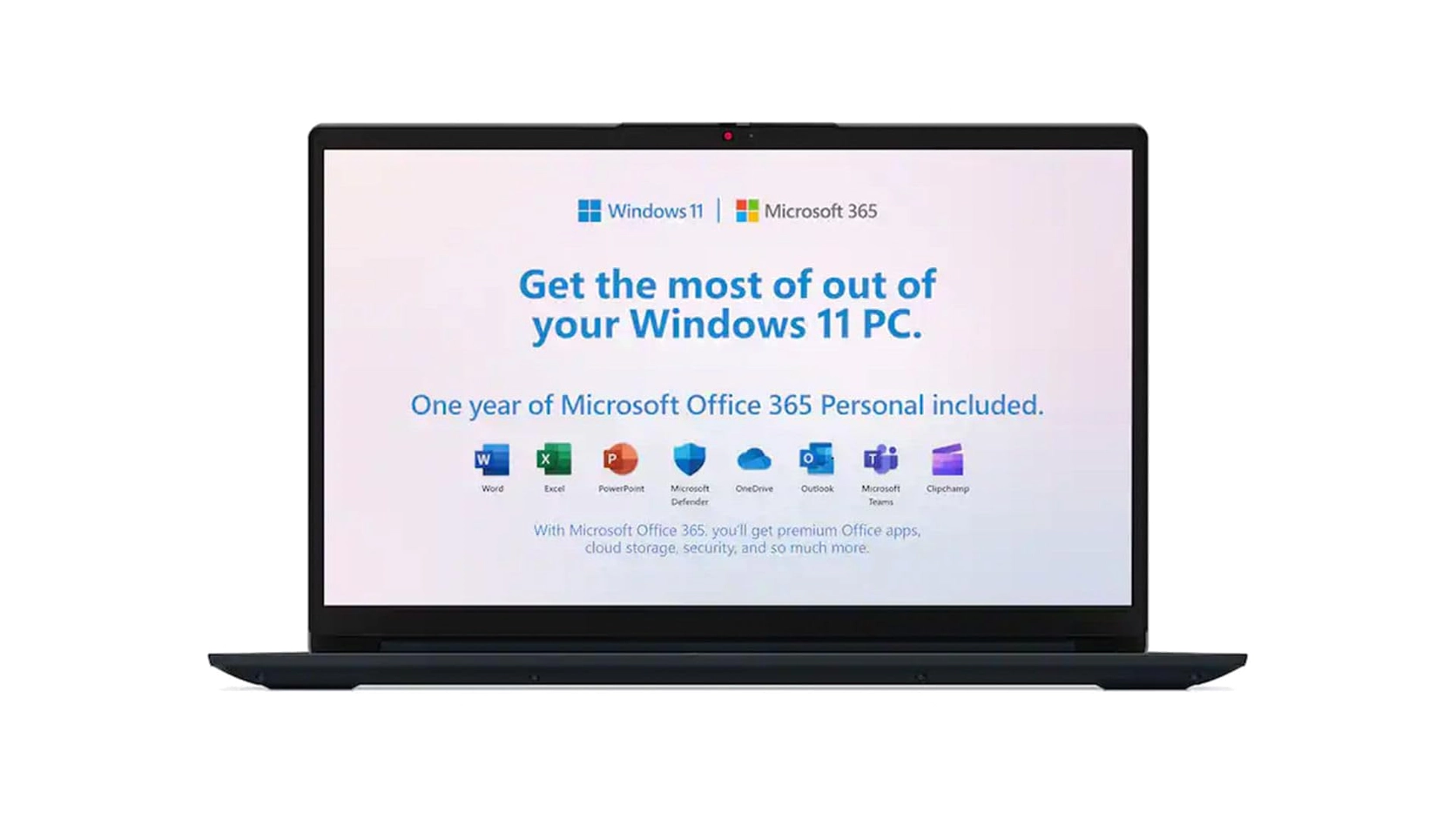
Lenovo IdeaPad Slim 3 laptop running Microsoft Office 365

This is one of the biggest advantages for students.

Since Microsoft Office 365 is already included, students can immediately use:

  • Word
  • Excel
  • PowerPoint
  • OneNote

without extra setup costs.

That adds real value for school and college users.

Battery Life

Battery performance is solid for normal student routines.

It comfortably handles:

  • classes
  • assignments
  • browsing
  • streaming

through most of the day with moderate use.

For heavy multitasking or continuous video streaming, battery life will reduce faster, which is normal for budget laptops.

Who Should Buy This Laptop?

The Lenovo IdeaPad Slim 3 is ideal for:

  • school students
  • college students
  • online learners
  • office users
  • casual home users

If your priority is affordable productivity instead of gaming power, this laptop makes a lot of sense.

Get daily insight, inspiration and deals in your inbox

By submitting your information you agree to the Terms & Conditions and Privacy Policy and are aged 16 or over.

FAQ

Is Lenovo IdeaPad Slim 3 good for students?

Yes. It is designed for everyday student tasks like assignments, online classes, browsing, and Office work.

Can this laptop run Microsoft Office?

Yes. Microsoft Office 365 is already included.

Is Lenovo IdeaPad Slim 3 good for gaming?

It can handle very light casual games, but it is not built for serious gaming.

Is 8GB RAM enough for students?

Yes. 8GB RAM is enough for multitasking, online learning, and normal productivity use.

Does the laptop come with Windows 11?

Yes. Windows 11 is pre-installed.

Final Thoughts

Not every student needs a powerful gaming laptop.

For most people, reliability, battery life, portability, and affordability matter more.

That’s where the Lenovo IdeaPad Slim 3 performs really well.

It keeps things simple, lightweight, and practical for everyday academic use without pushing the price too high.

Pricing changes often. Check the latest deal directly on Amazon.